Public beta · v1.10.2

Auto-trade your
Pine strategy
in ~30 ms.

PineX is the execution layer TradingView is missing. It watches your Pine Strategy in real time and routes orders through TradingView Desktop the moment a signal fires. Your connected broker places a real order in ~30 ms on Premium and up, with no webhooks or relay servers.

Free account · no card · Windows 10/11 · macOS Apple Silicon · 2-minute setup
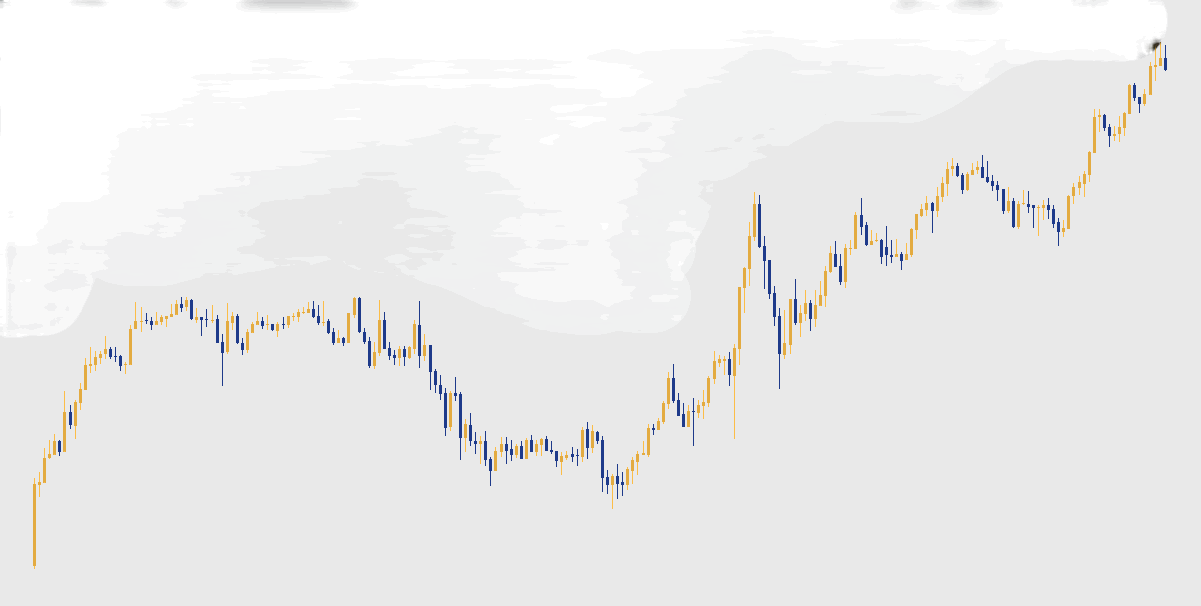
TradingView chart styled in PineX gold-and-navy palette
~30 ms
Signal-to-broker latency on Premium+
2 min
First-time setup, no dev tools
0
Third-party servers in the path
Charts traded simultaneously (Max)
How it works

Two steps between your strategy and your broker.

PineX runs locally on your computer. It reads your Pine Strategy's order log directly out of TradingView Desktop, then triggers TradingView's native order flow on every new signal.

INPUT
Your Pine Strategy
a strategy(...) script loaded on your TradingView chart
Entries, exits, brackets: anything that produces a trade in the Strategy Tester counts as a signal. PineX picks them up. No alerts to set, no webhooks to wire.
fires signal
OUTPUT
Discord
webhook
Every trade posts to your channel as a rich embed with direction, price, slippage and pane. Available on Basic and above.
CORE
PineX
watches · routes · journals
runs locally · ~30 ms on Premium+
Polls the Strategy Tester at your tier's cadence (1 ms on Max, 100 ms on Premium). Mass-signal guard catches TV-refresh order storms. Counter-position warnings on multi-pane. No third-party servers sit in the path; everything runs on your machine.
OUTPUT
Journal & Stats
+ CSV export
Every signal, fire, and slippage measurement lands here with full timing data. Export to CSV with one click for backtesting or tax reconciliation.
places order
VIA
TradingView Desktop
native order flow · no webhooks
DESTINATION
Your broker
market order fills
PineX routes the trade through TradingView Desktop's built-in order ticket, the same path you'd take placing the order yourself. Whichever broker you've connected in TradingView's Trading Panel fills it. PineX never touches your broker credentials, and your broker's risk controls stay authoritative.
Works with the brokers TradingView already supports
If TradingView supports it, PineX trades through it. The full list lives in TradingView's broker integrations page.
PineX vs webhook services

Same signal, fewer hops.

Fewer hops between your strategy and your broker means lower latency.

PineX · local
  1. Pine Strategy prints signal
  2. PineX executes on TradingView

Premium and above: execution within ~30 ms of the signal. Max tier ticks at a 1 ms poll rate for the lowest-latency configurations.

Webhook services
  1. Pine Strategy prints signal
  2. TradingView creates an alert (can be minutes late under load)
  3. Alert delivered to webhook service
  4. Webhook places the trade with your broker

Three extra hops, each with its own queue. Best case is sub-second; worst case runs several minutes past the bar your strategy signaled on.

What's in the box

The tools that come with PineX.

Watching, executing, journaling, and forwarding all run on one local install, with no third-party servers in the path.

Real-time strategy watcher

PineX polls your Pine Strategy at your tier's cadence, 1 ms on Max and 100 ms on Premium, so new entries and exits land in the Journal within milliseconds of the bar.

Native TradingView execution

Trades route through TradingView Desktop's order flow. Whatever broker you've connected in TV (Tradovate, IBKR, OANDA, Moomoo, AMP, …) gets the real order.

Multi-pane trading

Watch and trade up to four charts at once on Max. Each pane runs its own strategy, with counter-position warnings for same-symbol conflicts.

Auto-journal + CSV export

Every signal, fire, and slippage measurement lands in the Journal with full timing data. Export to CSV with one click for backtesting or tax reconciliation.

Discord forwarding

Pipe every trade to your Discord channel via webhook. Per-trade JSON includes signal type, price, direction, slippage, and pane.

Safety + risk controls

Mass-signal guard catches TV-refresh order storms, backed by per-strategy rate limits and phantom-exit prevention. Your broker-side controls stay authoritative.

See it in action

Watch a full run, start to finish.

PineX watching a Pine Strategy and routing orders through TradingView Desktop, with the journal logging every entry and exit in real time. Click to expand.

Video · single pane PineX trading live, journal logging each fire Drop: assets/demo-combined.mp4 + assets/demo-combined-poster.jpg
Single pane + app view
A signal fires, PineX routes the order through TradingView Desktop, and the journal logs the entry and exit, with no webhooks or relay servers. This is a bar-replay at ~180× speed; expect tighter slippage trading live.
Video · 4 panes PineX trading four charts in parallel Drop: assets/demo-multi-pane.mp4 + assets/demo-multi-poster.jpg
Four panes · Max tier
Watch and trade four charts in parallel, with a per-pane execute toggle and counter-position warnings. Same engine, four instruments at once.
Pricing

Four tiers, priced by polling speed.

Free works fully on one chart. Paid tiers add faster polling, more charts at once, and Discord forwarding. Cancel anytime in your Stripe portal.

Free
$0/mo

Enough for higher-timeframe strategies. No card required.

  • 1 chart · 30s polling
  • Journal (last 50 trades)
  • Desktop notifications
  • Manual execution toggle
Get started
Basic
$10/mo

For active intraday strategies.

  • 1 chart · 1s polling
  • Unlimited journal
  • Discord forwarding
  • Stats tab
Try 1 week free
Max
$40/mo

Highest poll rate · multi-chart trading.

  • 4 charts · 1ms polling
  • Localhost API access (preview)
  • Advanced analytics (coming)
  • Direct dev line
Try 1 week free
Public beta launch: use code BETA20 for 20% off any plan.
Honest scope

What PineX doesn't do yet.

Webhook services still do a few things PineX doesn't. Each one is on the dev backlog, and you should know them before you buy.

Common questions

Frequently asked.

How does PineX actually execute trades?
PineX runs locally on your machine and routes orders through TradingView Desktop's native order flow. Whatever broker is connected inside TradingView's Trading Panel receives the trade. PineX never holds your broker credentials and never talks to your broker directly.
Is it safe to let software place real orders on my account?
You stay in control. PineX only fires when you've switched execution on, and it routes through TradingView's own order ticket, so your broker's margin checks, position limits, and risk controls all still apply. It never holds or sees your broker credentials. A mass-signal guard is on by default to catch TradingView refresh storms. Start on the free tier with paper trading or the smallest size your broker allows until you trust it, and read the Risk Disclosure first.
What happens if PineX crashes or loses connection mid-trade?
PineX places orders; it doesn't manage open positions, so a crash never closes or flips a trade on its own. Your existing broker orders and any stops you set at the broker stay exactly as they are. PineX stops watching, so new signals are missed rather than mis-fired. We recommend setting hard stops at your broker, not only in your Pine script, and keeping a manual way to flatten positions. Full detail is in the Risk Disclosure.
What brokers does it support?
Any broker TradingView Desktop is partnered with. Common ones tested in beta: Tradovate, Interactive Brokers, OANDA, AMP Futures, Moomoo, Webull, Coinbase, Alpaca. Check TradingView's broker integrations page for the full list.
Why does TradingView Desktop have to stay open?
PineX reads your strategy state directly from the running TradingView Desktop window. If TV isn't running, PineX has nothing to watch. TradingView Web runs inside browser sandboxing and doesn't expose the same hooks, so Desktop is required.
How much data does PineX send out?
Three outbound calls: (1) authentication + subscription check against our backend, (2) auto-update checks, and (3) optional Discord forwarding if you opt in. No trade data leaves your machine unless you enable forwarding. Full breakdown in the Privacy Policy.
Why is the beta paid? Shouldn't it be free?
Every dollar funds the things that make PineX feel less like a beta: code-signing certificates so your OS stops calling it "damaged," Apple notarization, Windows SmartScreen reputation, hosting, email, monitoring. Free tier is fully functional on one chart so you can validate it works for your strategy before paying.
How do I cancel?
In PineX: Account tab → Manage subscription. Opens your Stripe billing portal where you can cancel, change tier, update payment, or download invoices. Cancellation takes effect at end of billing period.

Trade your Pine in two minutes.

PineX is in public beta. Download for Mac or Windows, point it at TradingView Desktop, and you're trading your Pine in about two minutes.